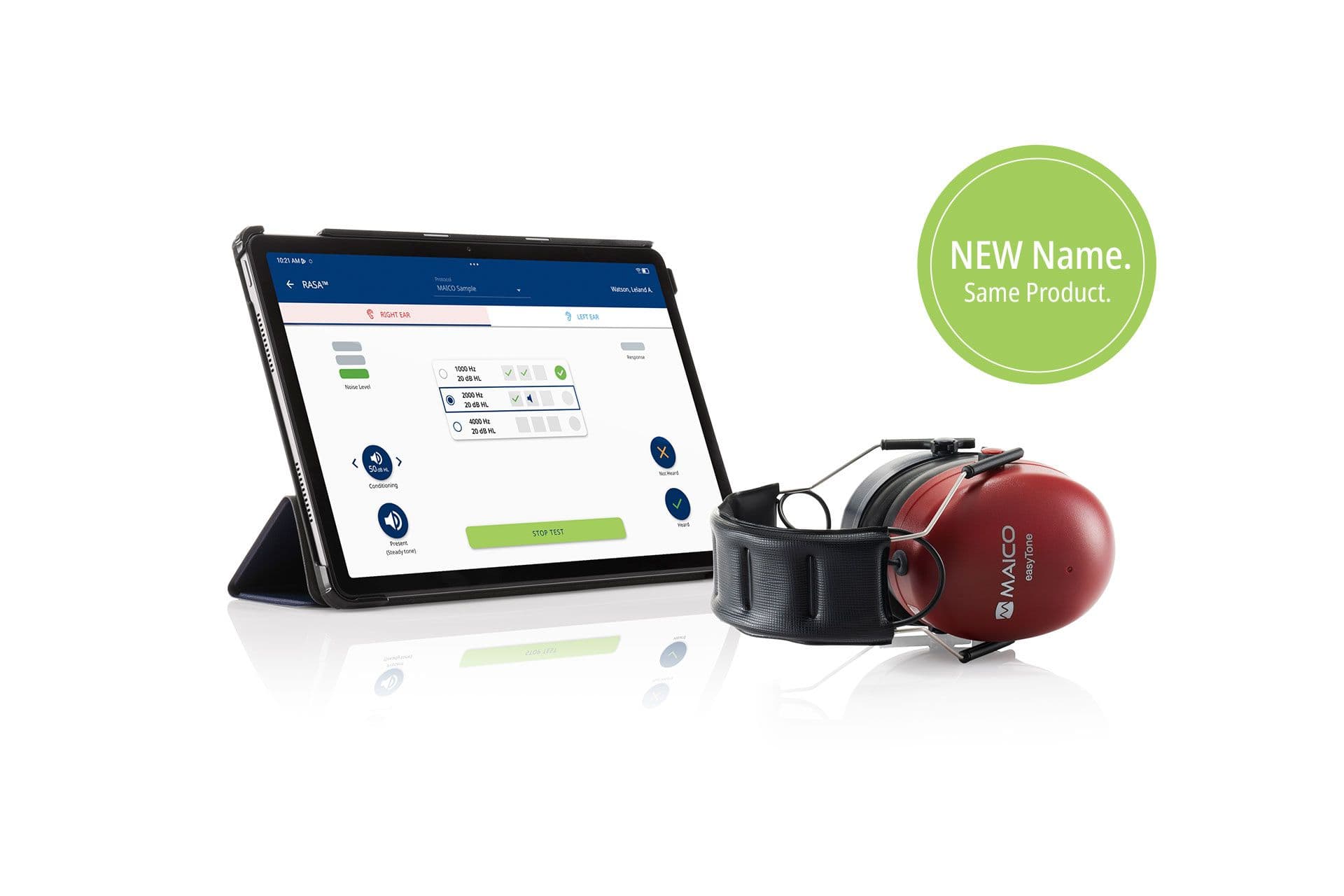
easyTone Select Support
Everything you need to get the most from easyTone Select
easyTone Select Resources
Access software downloads, video tutorials, user guides, and support materials to help you get the most from easyTone Select.
Everything you need to streamline your hearing screening workflow.
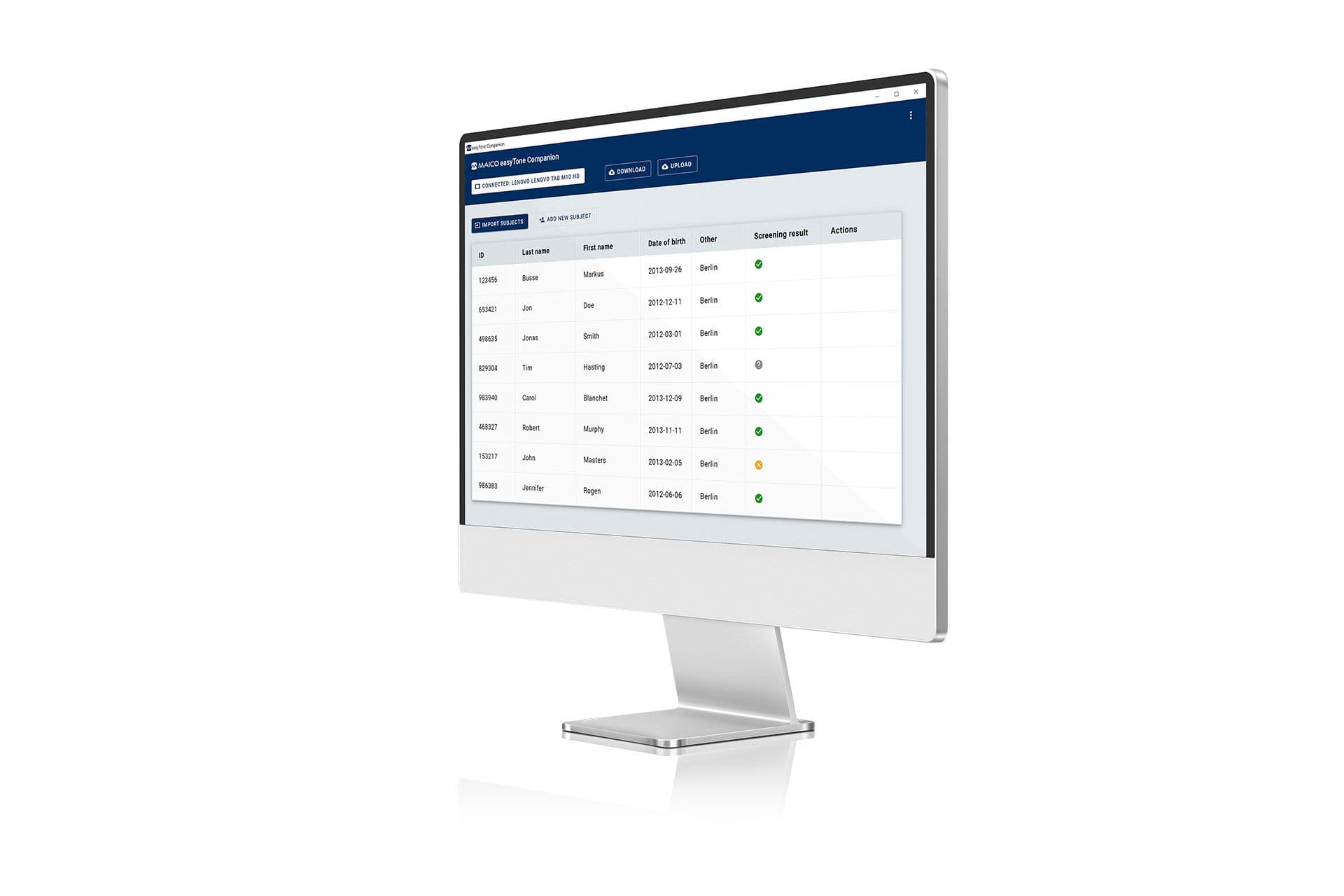
easyTone Select Companion Software
Extend the capabilities of easyTone Select
easyTone Companion Software helps you manage screening programmes more efficiently by connecting your device with your computer-based workflow.
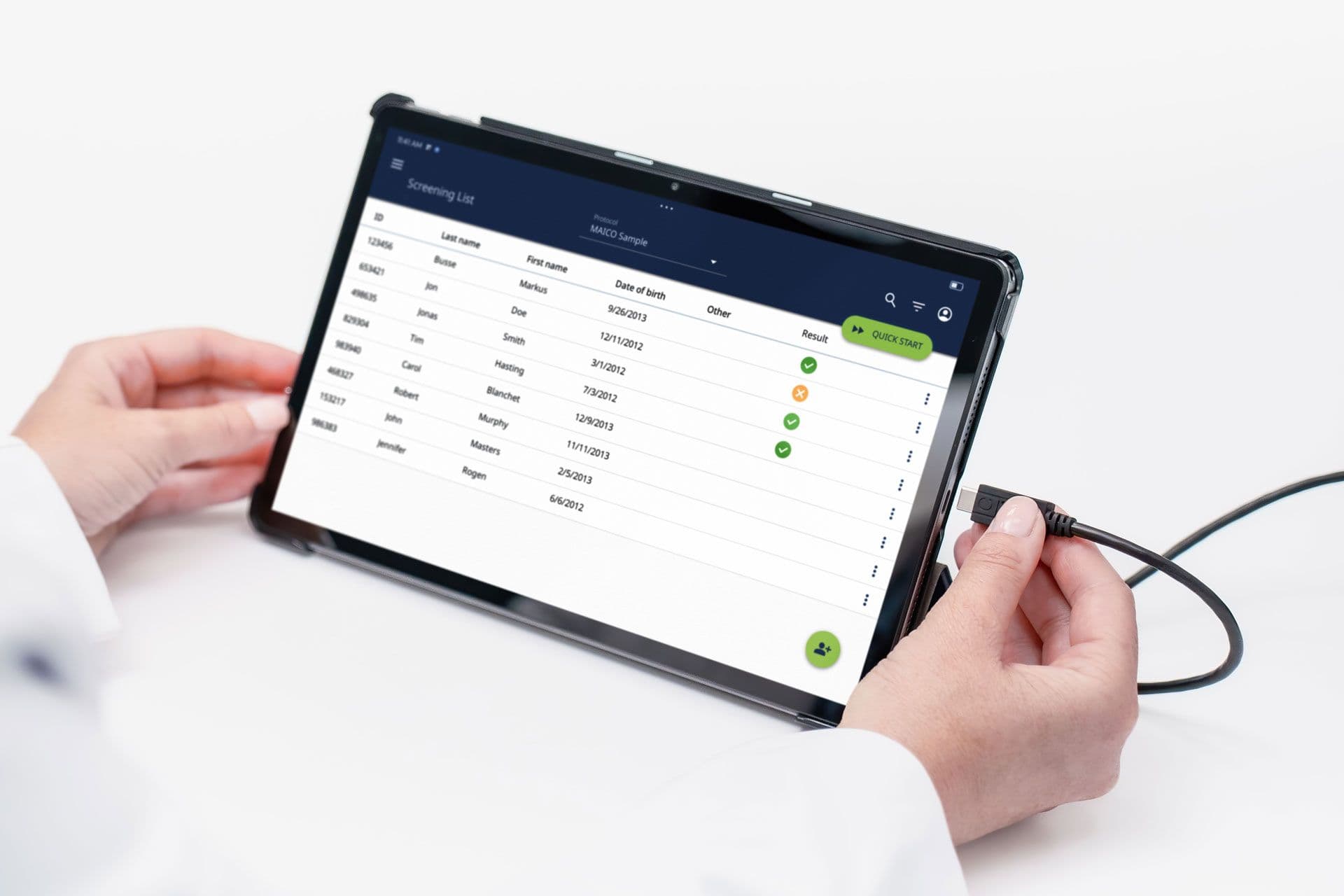
- Transfer screening lists to easyTone Select
- Automatically retrieve and manage screening results
- Organise, review, and export screening data
- Compatible with both Windows and Mac computers
Keep easyTone Select Connected
Benefits of Wifi connection
- Real-time data sharing
- Automatic date and time synchronisation
- Easy access to software updates and new features
- Simplified network printing
- Fast sharing of reports and results via email and supported applications
Video Tutorials
Learn how to configure, customise, and operate easyTone Select with our step-by-step video guides.
Whether you’re setting up your device for the first time or exploring advanced features, these tutorials will help you work more efficiently and confidently.
Getting Started
Learn the fundamentals of easyTone Select, from initial setup to everyday configuration.
Android Set Up
In this tutorial we show basic android set up functions, to improve workflow of the easyTone Audiometer.
Screening Methods
The easyTone tablet audiometer delivers RASA™ and pure-tone audiometry with manual and automatic operation—bringing multiple screening methods together in one device to meet a wide range of screening needs.
Start Screen
This tutorial is to explain the different start screen options of the MAICO easyTone tablet audiometer and how to make the selection in the easyTone app.
Screening List Review
This tutorial is to review the screening list operation of the intuitive easyTone tablet audiometer.
Adding Screener Names
In this easyTone video turorial you´ll learn how to add screener names and assign to a screening list within the easyTone app.
Report Settings
The easyTone tablet audiometer impresses with a digitized screening workflow. In this tutorial we show you how to review all report settings.
Basic Settings
This video reviews the Basic Settings available to customize the easyTone.
Screening with RASA™
Discover how to create customised screening protocols, perform hearing screenings, and interpret results with confidence.
Create a Custom Screening Protocol with RASA™️
easyTone offers customized protocols to set up the device exactly to your screening needs. Review this video to set up a simple screening protocol with RASA™.
Test Screen Review
Once the test screen is entered from the start screen, the device is ready to begin the hearing screening. This easyTone tutorial is to review the test screen operation.
Result Screen Review
After the hearing screening has been completed - the result screen appears immediately. Learn more about the result screen operation in this easyTone tutorial.
Pure Tone Audiometry
Learn how to create audiometry protocols, conduct threshold testing, and integrate audiometry into your screening workflow.
Creating a Pure Tone Audiometry Protocol
Audiometry within the easyTone offers the ability of threshold measurements. Review this video on how to create this using the pure tone audiometry protocol.
Audiometry Test Screen
This tutorial will show you how review the pure tone audiometry test screen.
Three Ways to Start Audiometry
Threshold hearing screening with the easyTone can be performed based on your workflow. Watch this tutorial to see how the easyTone meets all your screening needs.
Automatic Testing
Explore self-administered testing workflows and learn how automatic testing can support efficient hearing screening programs.
Automatic Test Screen Operation
easyTone can perform self administered automatic screening tests. This video reviews the test operation of the automatic test screen.
Companion Software
Learn how to connect easyTone Select Companion Software, transfer screening lists, and manage results more efficiently.
Connect Companion Software
Get full functionality by using the easyTone Companion Software. This tutorial is to show how to connect the tablet to the software.
Upload Subject List
This tutorial is to show how to upload a subject list to the easyTone app, using the easyTone Companion Software.
Download Subject Results
This tutorial is to show how to download and manage subject results with the easyTone Companion Software.